Bank Statement Extraction QA Checklist
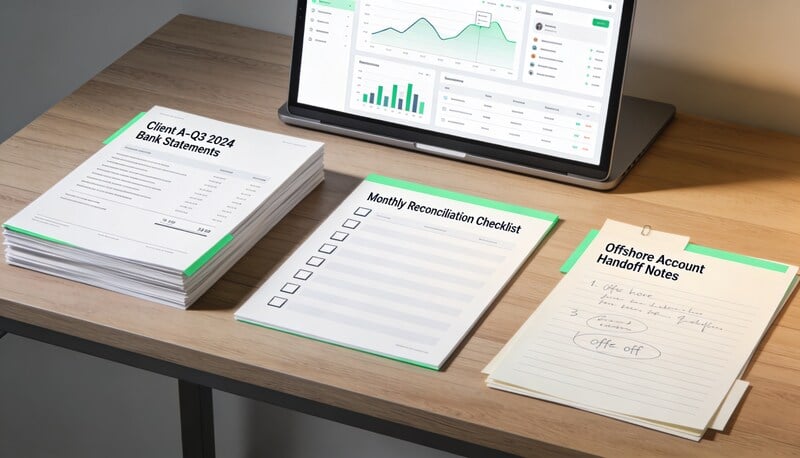
Bank statement extraction QA is the difference between a useful export and a spreadsheet that only looks right. Before extracted rows are trusted, the team should prove that pages, dates, amounts, descriptions, and balances survived extraction.
Quick answer
A bank statement extraction QA checklist should verify page coverage, row count, date accuracy, amount sign accuracy, balance logic, missing rows, duplicate rows, OCR confidence, and export format readiness.
Choose your workflow
Scanned bank statement to CSV
OCR scanned statements and images before CSV export.
Bank statement to CSV
Extract statement rows into a reviewable workflow before export.
PDF to CSV converter
Use the broad PDF-to-CSV workflow for statement and document cleanup.
Bank statement conversion hub
The full cluster for PDF, CSV, OCR, and review-first statement workflows.
Import bank statements into QuickBooks Online
QBO upload path for PDF, image, QBO, QFX, and CSV statement files.
Coverage and resources
Open the authority pages that support this workflow.
Supported banks
See which institutions have dedicated coverage pages and where statement fallback still makes sense.
Open page →
Supported statement types
See which source documents Wesley can clean up before export or import prep.
Open page →
Bank Statement Cleanup SOP for Bookkeepers
A bank statement cleanup SOP for bookkeepers who need a repeatable review process before exporting to QuickBooks, Xero, QIF, or spreadsheet workflows.
Open page →
Who this is for
Use this checklist when you convert bank statements with OCR, AI extraction, manual data entry, or any PDF-to-table workflow.
The operating problem
Extraction errors often hide in plain sight. A table can look clean while one page is missing, deposits are reversed, or balance rows are mixed with transaction rows. QA needs to catch extraction defects before bookkeeping review.
The workflow
QA the extraction before categorization. Otherwise the reviewer may spend time diagnosing data quality instead of bookkeeping judgment.
- Compare statement page count to extracted page coverage.
- Check the first and last transaction dates against the statement.
- Sample rows from the beginning, middle, and end of the statement.
- Tie total deposits and withdrawals to statement summary where available.
- Check running balances if the statement includes them.
- Flag ambiguous OCR fields, merged rows, split rows, and unreadable descriptions.
- Export only after the extraction passes row-level and total-level checks.
Checklist
- All statement pages were processed.
- No header, footer, or balance summary row was imported as a transaction.
- Dates are parsed correctly.
- Amounts keep the correct sign.
- Descriptions map to the right row.
- Deposits and withdrawals are separated or signed consistently.
- Duplicate rows are removed.
- Known uncertainty is visible to the reviewer.
What to document before handoff
- Extraction tool or method.
- Page count checked.
- Row count.
- Sample rows reviewed.
- Known OCR issues.
- Totals checked.
- Export format.
Review signals that matter
- Reviewers trust the extracted table as source-adjacent evidence.
- Reconciliation failures are not caused by extraction defects.
- OCR issues are flagged before import.
- The same bank format becomes easier to process over time.
- QA notes are visible to whoever imports or reviews the file.
Where Wesley fits
Wesley keeps statement extraction close to review. Start with PDF to CSV or scanned bank statement to CSV when the first risk is extraction quality, then move the clean rows into bookkeeping review.
FAQ
Is visual spot checking enough?
No. Spot checking helps, but extraction QA should also include page coverage and amount logic checks.
What is the most dangerous extraction error?
A missing page or reversed sign is usually more dangerous than a messy description because it can break reconciliation.
Should extraction QA be done by the preparer or reviewer?
The preparer should complete first-pass QA. The reviewer should inspect exceptions and material risk.
Ready to use the matching workflow?
Scanned bank statement to CSV
OCR scanned statements and images before CSV export.
Related reads
Discover adjacent articles without being sent to near-duplicate topics.


