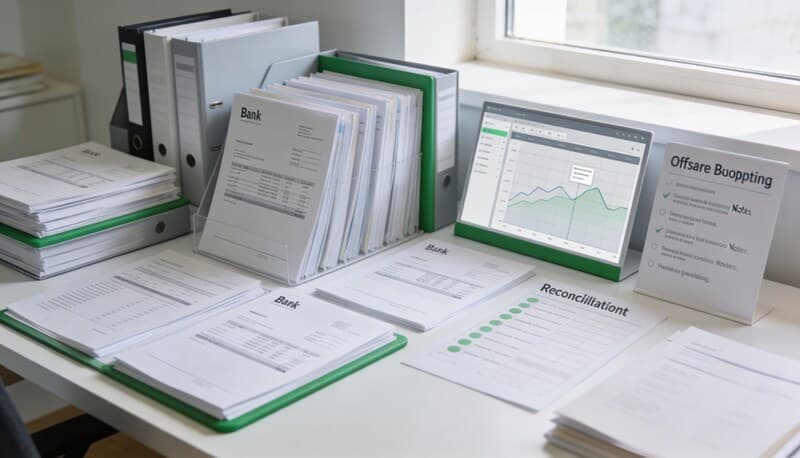
Bank Statement Cleanup SOP for Bookkeepers
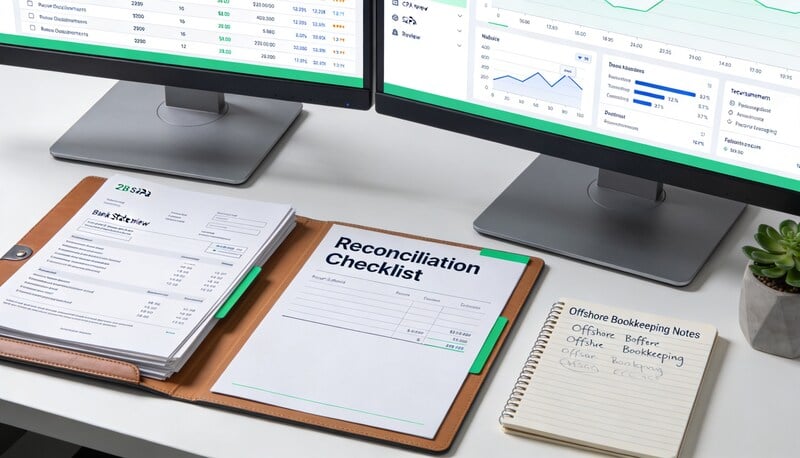
Bank statement cleanup is not just converting a PDF into rows. The real work is turning messy statement data into reviewable, import-safe bookkeeping data without losing signs, dates, descriptions, or account context.
Quick answer
A bank statement cleanup SOP should cover source validation, page coverage, OCR review, date normalization, amount sign checks, duplicate detection, transfer review, category preparation, and export format selection.
Choose your workflow
Bank statement to CSV converter
Start from the general statement-conversion workflow.
PDF to CSV converter
Use the broad PDF-to-CSV workflow for statement and document cleanup.
Bank statement conversion hub
The full cluster for PDF, CSV, OCR, and review-first statement workflows.
Import bank statements into QuickBooks Online
QBO upload path for PDF, image, QBO, QFX, and CSV statement files.
Convert a bank statement PDF to CSV for free
Best for one-off statement cleanup and quick spreadsheet-ready exports.
Coverage and resources
Open the authority pages that support this workflow.
Supported banks
See which institutions have dedicated coverage pages and where statement fallback still makes sense.
Open page →
Supported statement types
See which source documents Wesley can clean up before export or import prep.
Open page →
Bank Statement Cleanup SOP for Bookkeepers
A bank statement cleanup SOP for bookkeepers who need a repeatable review process before exporting to QuickBooks, Xero, QIF, or spreadsheet workflows.
Open page →
Who this is for
Use this when your team receives PDF statements, scanned statements, partial exports, or historical bank records that must be cleaned before import or review.
The operating problem
Bad statement cleanup creates downstream reconciliation issues. A clean-looking spreadsheet can still have missing pages, reversed signs, duplicated rows, shifted columns, or descriptions that are too vague for review.
The workflow
Run cleanup in a fixed sequence. Do not start categorizing until the statement data itself is trustworthy.
- Confirm the account, statement period, opening balance, and ending balance.
- Check that all statement pages are present and readable.
- Extract or convert the statement into rows.
- Review dates, descriptions, check numbers, deposits, withdrawals, and balances.
- Verify signs and totals against the statement summary.
- Remove duplicates introduced by repeated exports or overlapping statements.
- Choose the downstream export format: generic CSV, QBO-friendly CSV, Xero CSV, or review spreadsheet.
Checklist
- Statement account and period are identified.
- Opening and ending balances are visible.
- Every page is included.
- Dates use a consistent format.
- Deposits and withdrawals are not reversed.
- Rows with OCR uncertainty are reviewed.
- Duplicate transactions are flagged.
- The export format matches the next system.
What to document before handoff
- Source file name.
- Conversion method.
- Rows extracted.
- Pages reviewed.
- Known OCR issues.
- Format exported.
- Questions for reviewer.
Review signals that matter
- The exported rows tie to statement totals.
- Reconciliation does not fail because of sign issues.
- Reviewers can trace every row back to the source statement.
- The cleanup step catches missing pages before import.
- Repeated bank formats become faster to process over time.
Where Wesley fits
Wesley supports statement cleanup through bank statement to CSV, PDF to CSV, and review-first document workflows. Use it when you want extraction and bookkeeping review to stay close instead of sending a spreadsheet through separate tools.
FAQ
Should cleanup happen before import?
Yes. Importing bad statement rows usually creates harder cleanup inside the accounting system.
What is the biggest risk in PDF statement cleanup?
Sign reversal and missing pages are two of the biggest risks because they can make reconciliation fail later.
Can OCR handle scanned statements perfectly?
No. Scanned statements need a review step, especially for dates, amounts, and running balances.
Ready to use the matching workflow?
Bank statement to CSV converter
Start from the general statement-conversion workflow.
Related reads
Discover adjacent articles without being sent to near-duplicate topics.